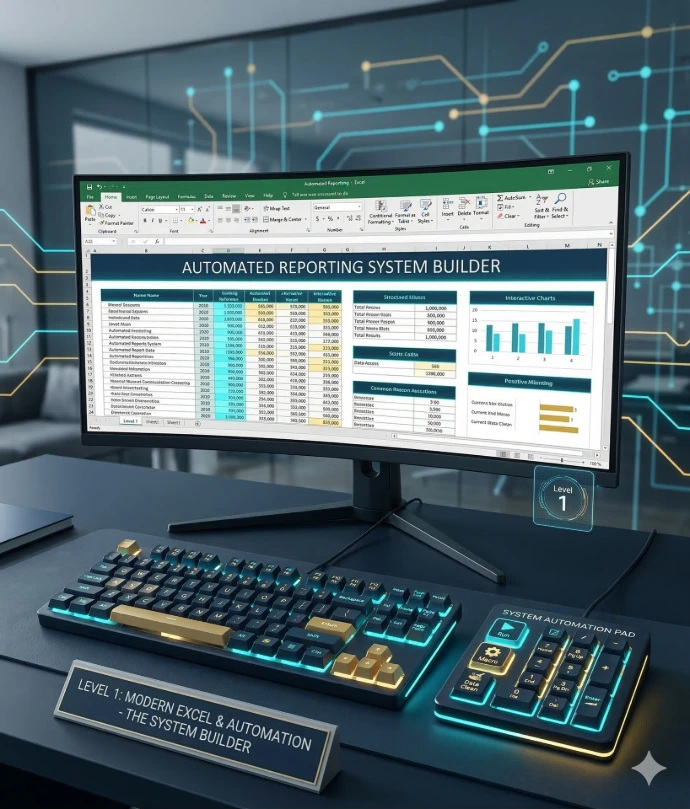
Level 1 - Modern Excel & Automation : The System Builder
Transform from Manual Data Entry to Automated Reporting
Are you spending more time cleaning data than analyzing it? This course is designed to shift your workflow from "Manual Execution" to "Automated Systems."
Over 25 practical modules, you will move beyond standard spreadsheet habits. You will learn to structure data correctly, master robust formulas, and build self-updating reports that eliminate repetitive copy-pasting. This is not just about learning formulas; it is about building reliable systems that anyone can refresh with one click.
Private Course
Please sign in to contact responsible
| Responsible | Simplidata Huda |
|---|---|
| Last Update | 02/13/2026 |
| Members | 3 |
-
Phase 1: The Environment2Lessons ·
-
Introduction to Excel: The Layout & Basic Skills
-
Speed & Precision: QAT, Shortcuts, and Troubleshooting
-
-
Phase 2: Handling Data4Lessons ·
-
Essential Data Tools: Sort, Filter & Flash Fill
-
Introduction to Excel Tables – The "Super Container" for Data
-
Number Formatting & ROUND Function
-
Mastering Dates & Times: Format & Formulas
-
-
Phase 3: Core Formulas & Logic7Lessons ·
-
Mastering Excel Formulas: Elements & Logic
-
Counting & Adding: The "IFS" Family
-
Logic & The IF Function (+ IS Functions)
-
Advanced Logic: AVERAGEIFS, MAXIFS & Wildcards
-
Lookup Functions: Connecting Data (VLOOKUP & XLOOKUP)
-
Mixed Cell References: The "Padlock" System
-
Defined Names: Building Robust & Readable Formulas
-
-
Phase 4: Chart & Reporting4Lessons ·
-
Data Visualization: Charting & Storytelling
-
Chart Types in Practice: The Visualization Lab
-
Professional Reporting: The "Clean" Design System
-
Conditional Formatting: Visual Analytics
-
-
Phase 5: PivotTables & Modeling5Lessons ·
-
PivotTables: The Analytics Engine
-
Advanced PivotTables: Layouts & Analysis
-
PivotTable Mastery: Advanced Calculations & Dashboards
-
Pro Tip: Setting Your Default PivotTable Layout
-
Data Modeling: Relational Reporting (Beyond VLOOKUP)
-
-
Phase 6: The Intro to Automation2Lessons ·
-
Power Query: The Data Washing Machine
-
Power Query: Automated Multi-File Consolidation
-
-
The Final Project1Lessons ·
-
The Final Project: One-Click Sales Intelligence System
-